
...
1. On the PAMS Login page, click the Search Solicitations link under the New User Registration "Other Links" section in the column on the right (Figure 1).
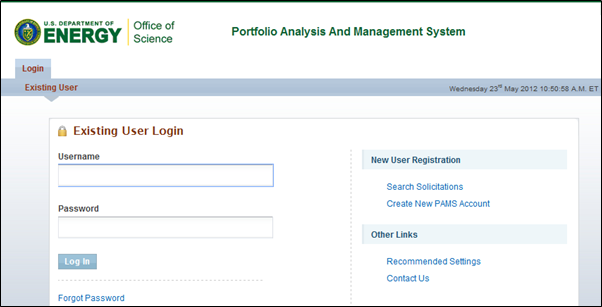
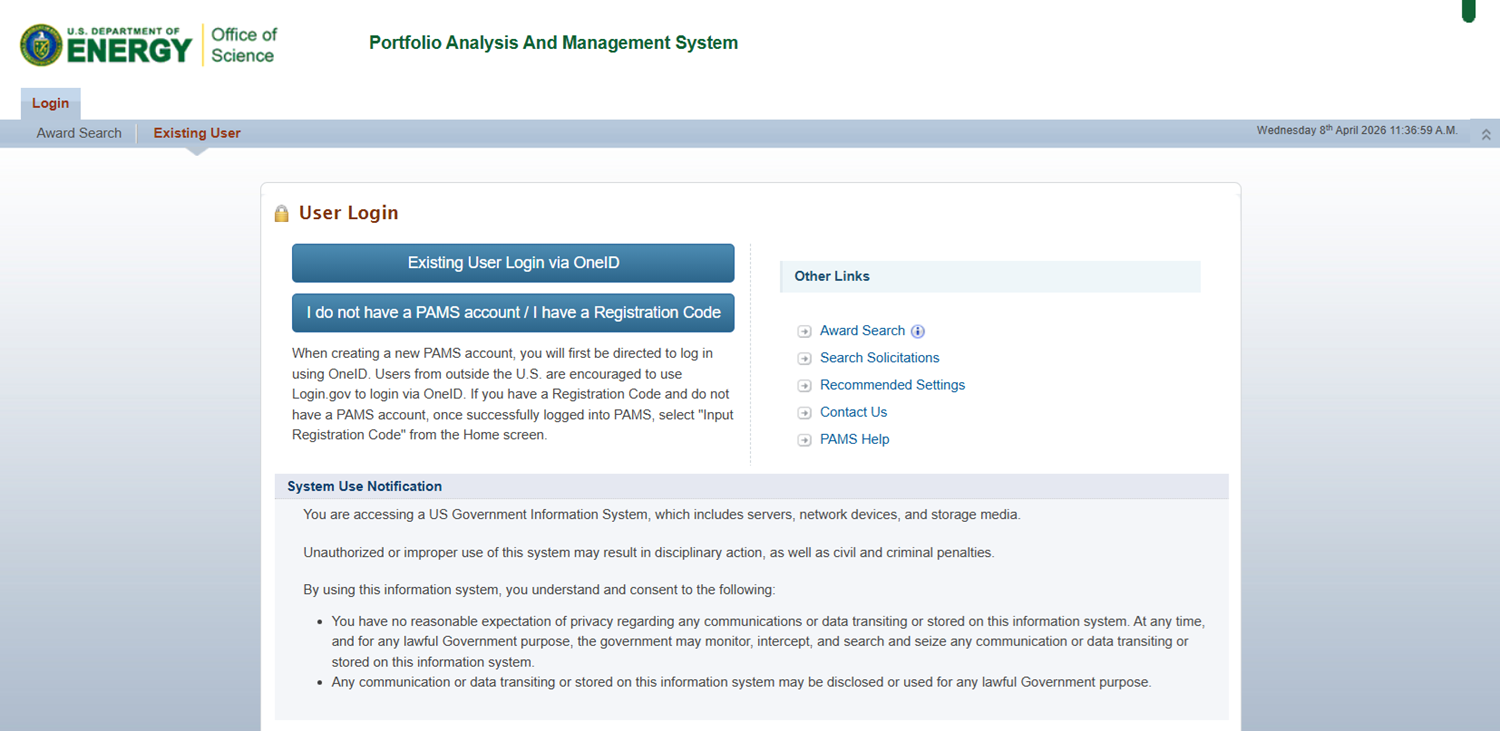
Figure 1. PAMS Login Page – Search Solicitations
...
1. Log in to your PAMS account at https://pamspublic.science.energy.gov/.
| For guidance on logging in, refer to Logging In. |

2. Click the Proposals tab. You can view FOAs by clicking the View Funding Opportunity Announcements link or Lab Announcements by clicking the View DOE National Laboratory Announcements link (Figure 2).
...
Figure 8. Submit Letter of Intent (LOI) Page – Change PI
| If a Solicitation is marked as an Early Career Research Program, PAMS displays the following additional fields below the "Address" field in the PI Information section:
The "Is the PI PECASE eligible?" field is required. Complete the field(s) before moving on to the next section. |

3.2.3 Project Information
...