
...
1. Log in to the PAMS External website at: https://pamspublic.science.energy.gov/webpamsepsexternal/login.aspx (Figure 1).
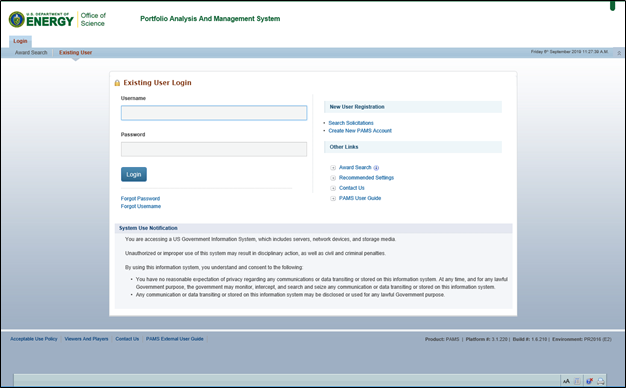
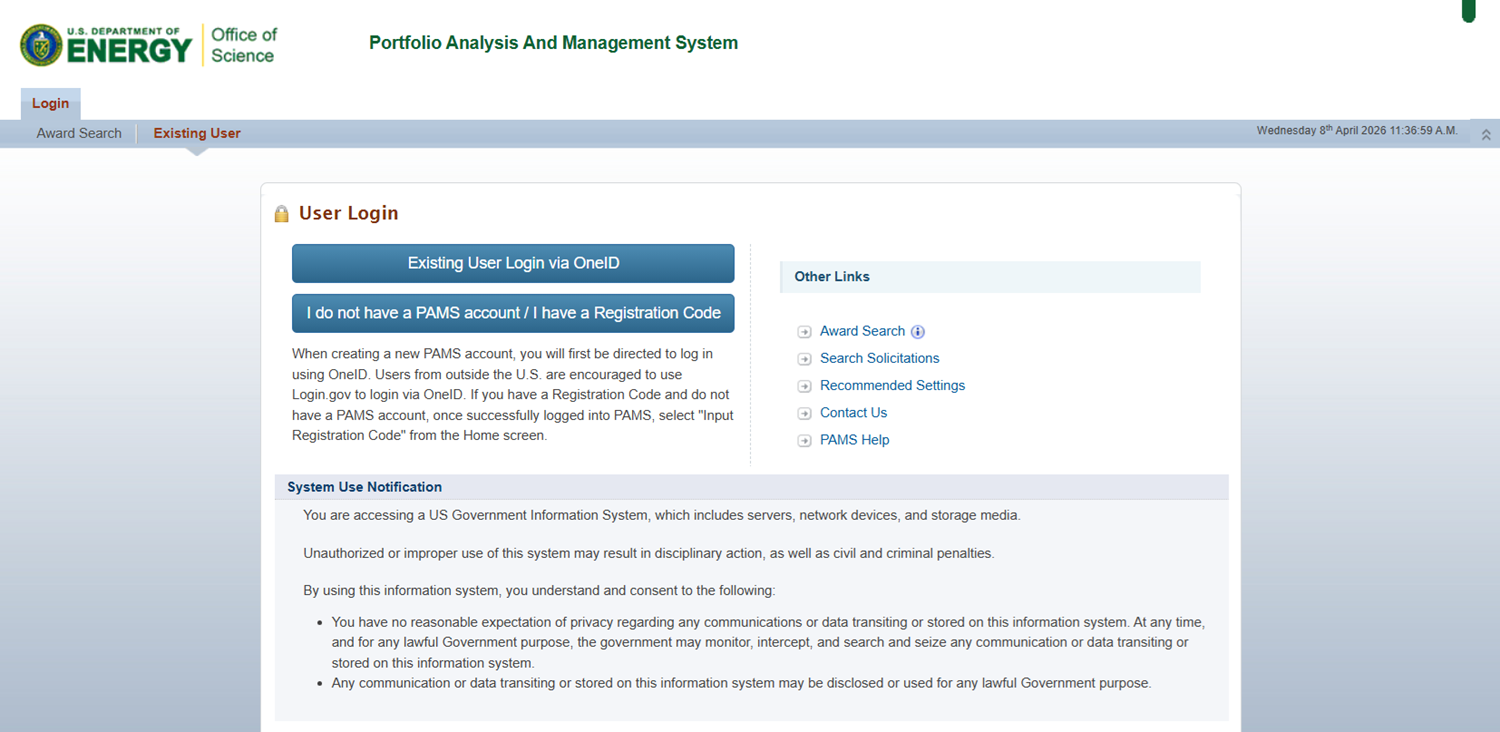
Figure 1. PAMS External Login
| For guidance on logging in, refer to Logging In. |

2. PAMS will load the homepage. Click the the Proposal Tab at the top menu or View My Proposals under Common Actions for Applicants (Figure 2). PAMS will load the My Proposal page.
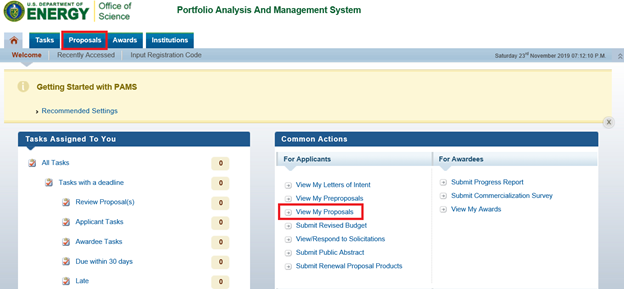
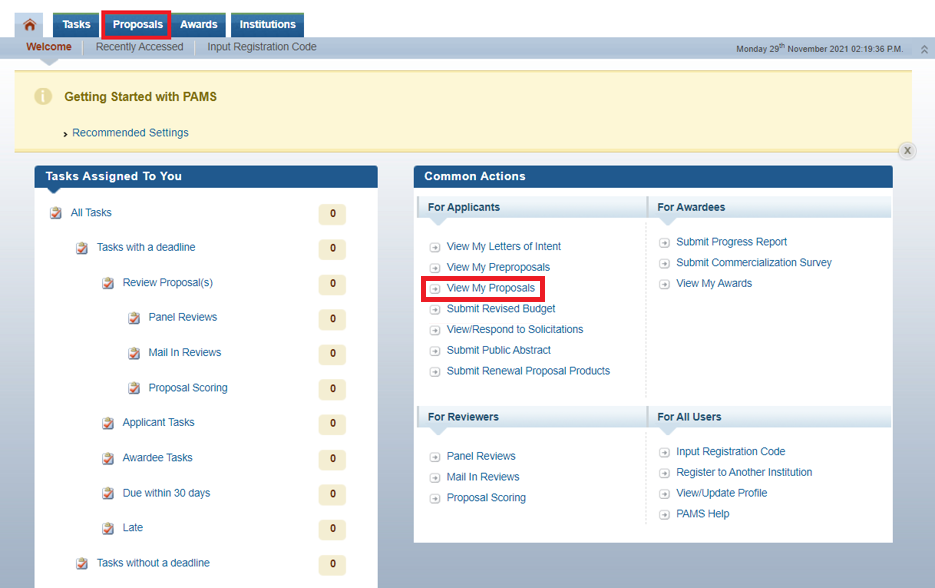
Figure 2. PAMS Homepage – View My Proposals
3. Locate the proposal for which you would like withdraw, and click Withdraw Proposal in the Actions section of the Actions/Views menu in the Options column. If necessary, use the filters in the grid or click the Search link on the right above the grid to find a proposal (Figure 3).
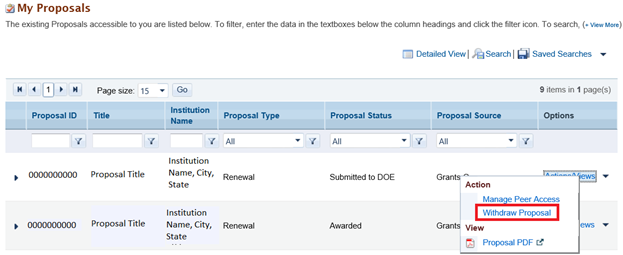
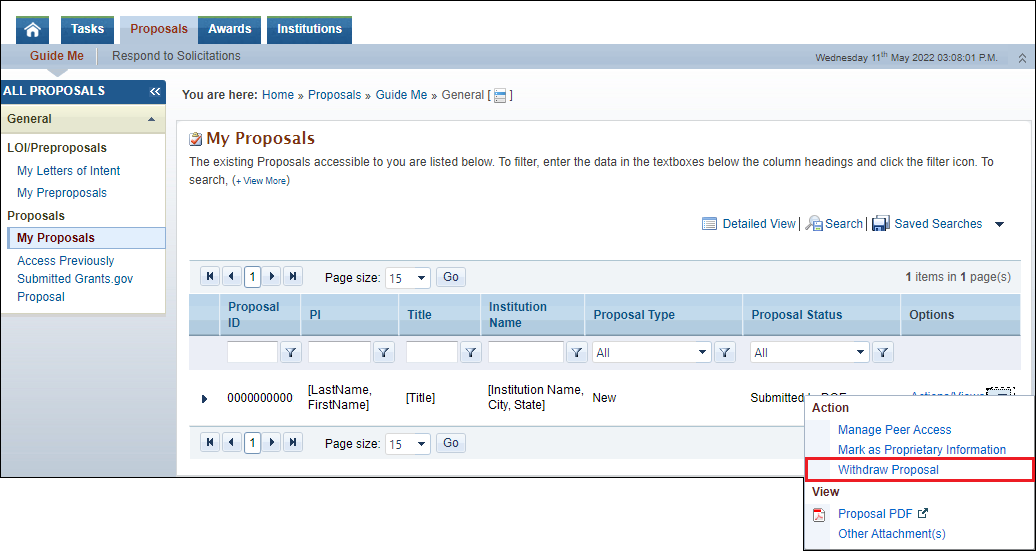
Figure 3. PAMS Homepage – My Proposals
...
6. A Success Message will be displayed and the proposal status will be updated to Withdrawn (Figure 5).
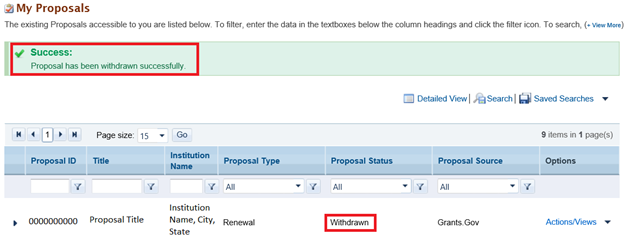
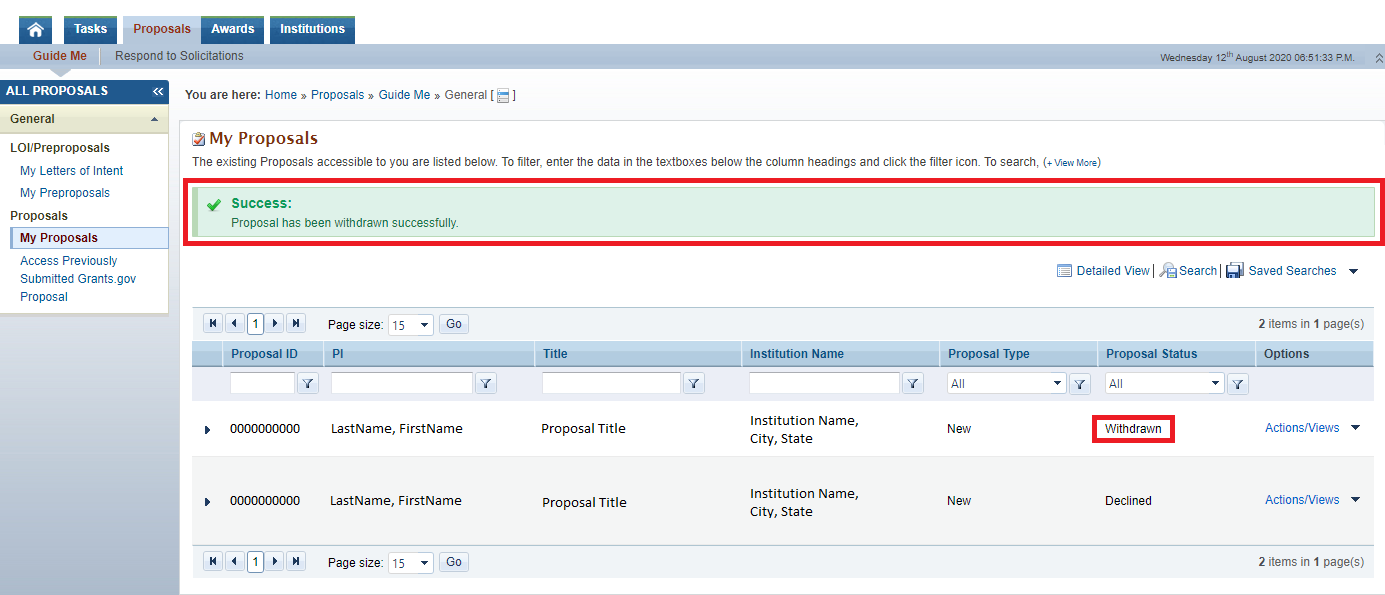
Figure 5. My Proposals – Success Message